
Supported isn't the same as working - Astro in Power Pages
Help UKRAINE
 ! Your action matters! Donate
to support Ukrainian Army! Donate to charity funds!
Organize/join street protests in your city to support Ukraine and condemn Russian aggression!
Expose and report Russian disinformation! #StandWithUkraine
! Your action matters! Donate
to support Ukrainian Army! Donate to charity funds!
Organize/join street protests in your city to support Ukraine and condemn Russian aggression!
Expose and report Russian disinformation! #StandWithUkraine I like Astro. It is an awesome web framework that lets you embrace a zero-JS-by-default approach while still using your favourite JS frameworks for different interactive parts of the site. Heck, even my blog, where you’re currently reading this post, is written in Astro. So you can imagine how excited I was when Microsoft mentioned that Astro will be supported for the new SPA sites (as part of the skills). And now that I’ve tried it, there is only one thing to say - “supported” is not the same as “working”.
Why Astro?
This section is focused on explaining the basics of Astro and what makes it great. Feel free to skip it; however, it gives useful context for future issues and frustrations.
Astro is a web framework for building content-driven websites like blogs (surprise, right?), marketing sites, and e-commerce sites. It is best-known for pioneering a new frontend architecture (the Island Architecture) to reduce JavaScript overhead and complexity compared to other frameworks. If you need a website that loads fast, is content-driven and has great SEO, then Astro is for you.
Another great feature of Astro is that it is UI-agnostic - bring React, Vue, Angular, htmx or anything in between.
Being content-driven and server-first does have limitations, meaning it isn’t the right choice for highly complex client-side apps. However, it is ideal for knowledge-based websites, FAQ and similar portals, which makes it ideal for those Power Pages scenarios.
Creating a site
I decided to give it a try using official Microsoft Skills for Power Pages with Claude Code. I asked Claude to create a simple FAQ site with an About page using Astro.

The site was created quickly and ran well locally. (Btw, did you know that when you use official MS AI skills, you don’t actually create a site from scratch? Instead, the AI copies a provided sample from Microsoft and expands on it. This helps MS better control the shape of the initial site and makes validation easier.)
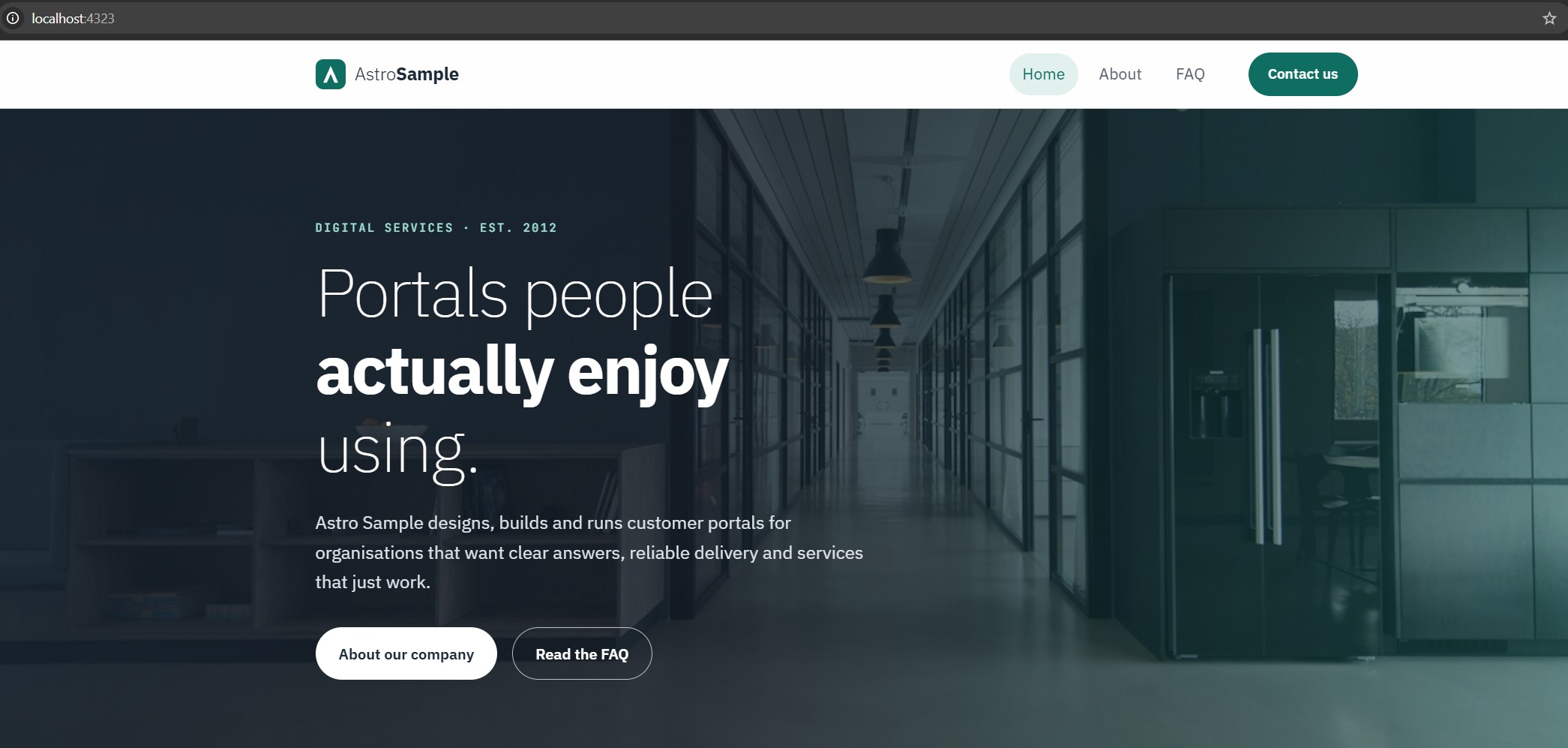
Next steps were deployment. And again, everything went well. The site was deployed and provisioned without any errors.
When I opened the site, the Home page was exactly as expected. However, as soon as I navigated to the About page, everything fell apart - the page was empty. URL was valid; there was no 404 Not Found error. The page was there - it just didn’t have any content.
Working Home Page
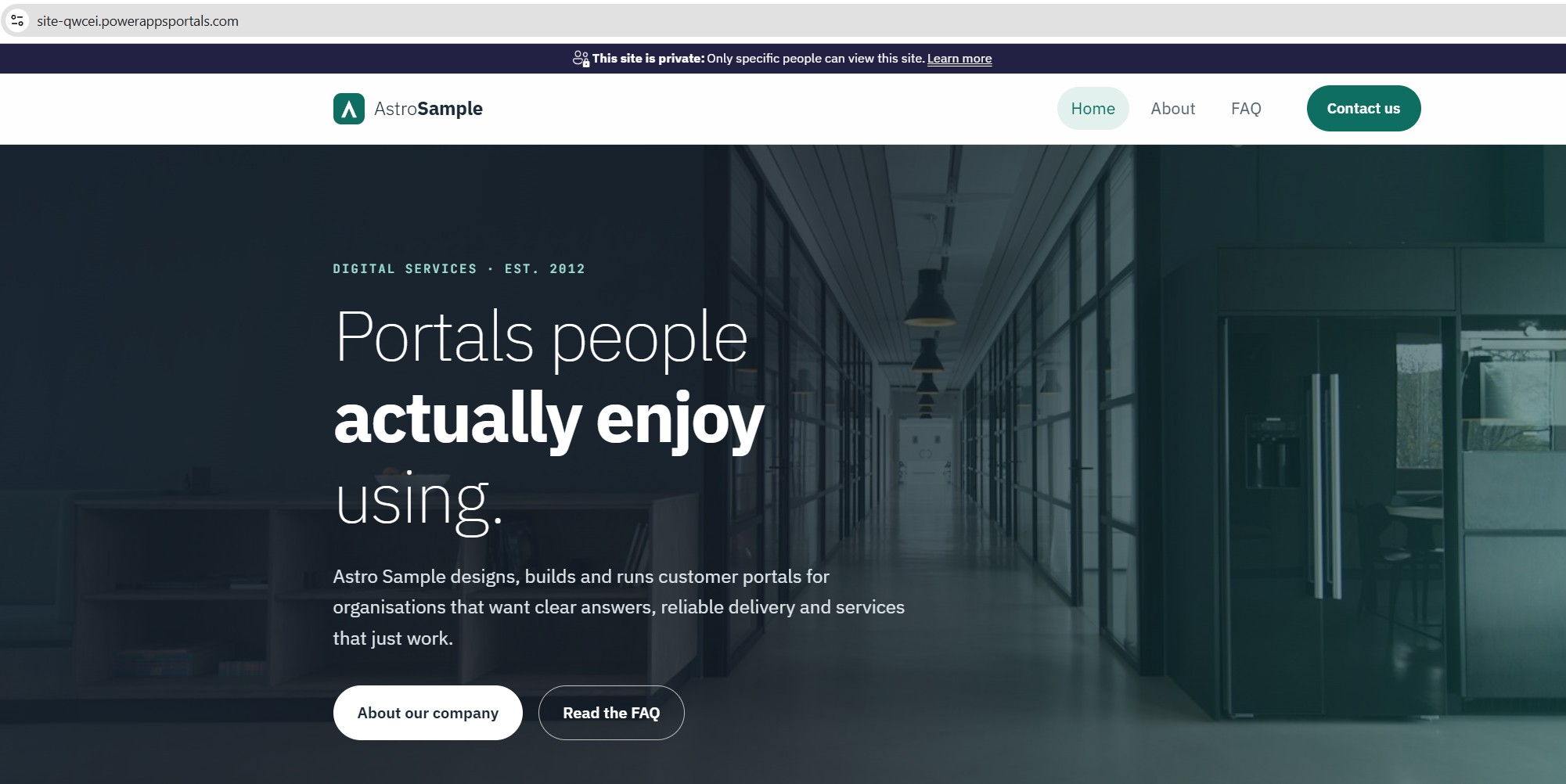
Empty About Page
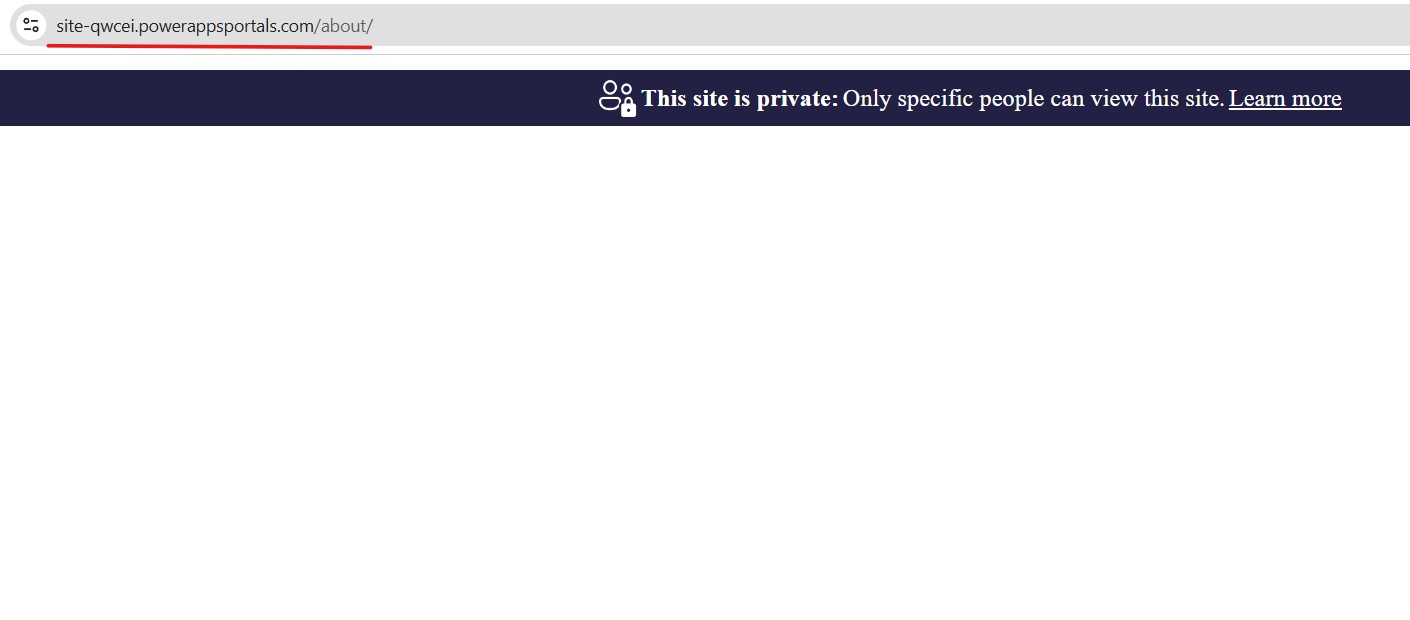
I checked the page locally - it worked. However, the deployed site told a different story. So what went wrong?
Investigation
The first thing to check was the page record itself in Dataverse. Since the URL was valid, I checked if the page was provisioned. And it was indeed there. However, the Localized Content page was empty as well.
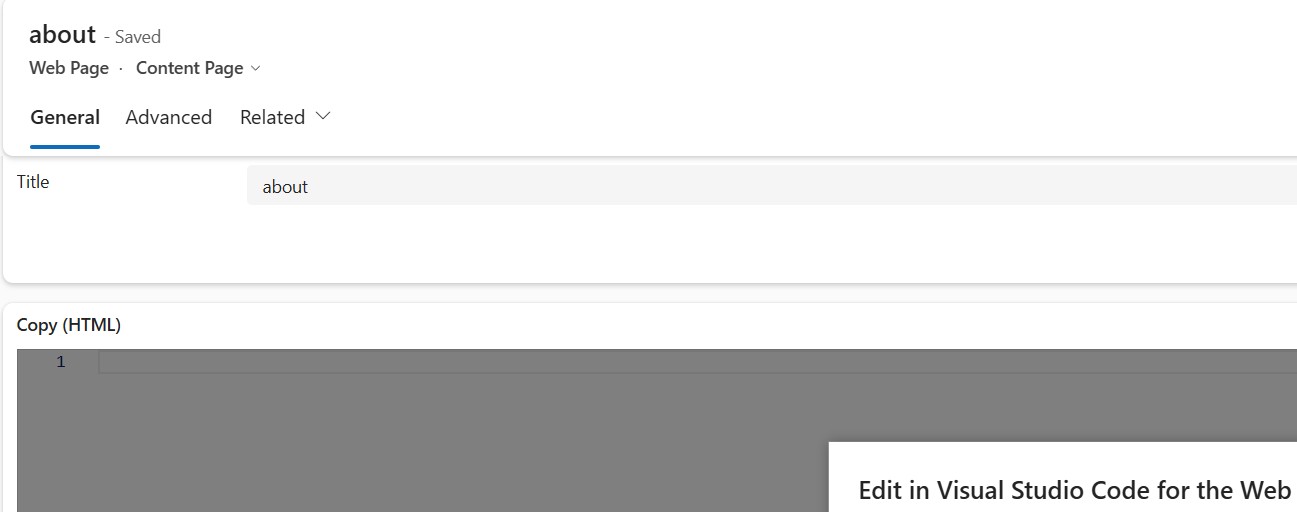
Next, I checked locally in the .powerpages-site folder - the generated folder where all the actual metadata lived. The webpage was generated there; however, the HTML was empty.
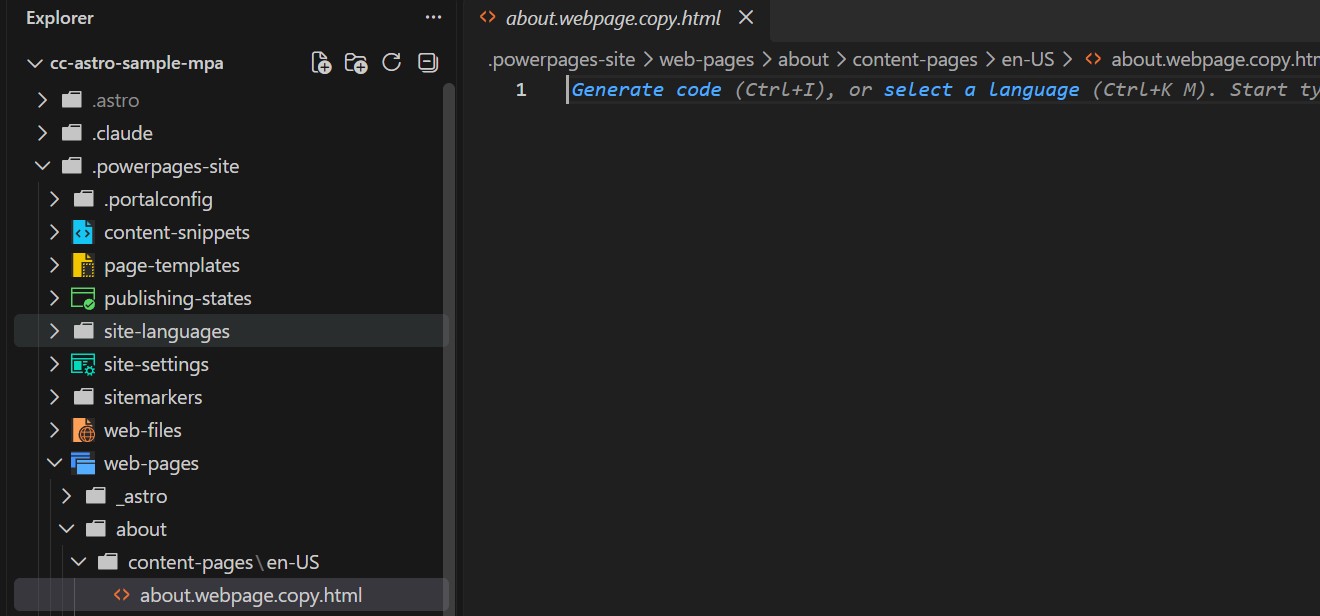
So PAC CLI correctly interpreted the page URL and created it, based on Astro folder structure (Astro uses file-based routing). However, instead of taking the actual HTML of the page, it left it empty.
After a deeper dive, I noticed something else - there were a few index.html as Web Files in the generated folder. That was odd - we shouldn’t have any. When I checked where those files belonged, I finally understood - each of them was under their respective pages: About and FAQ.
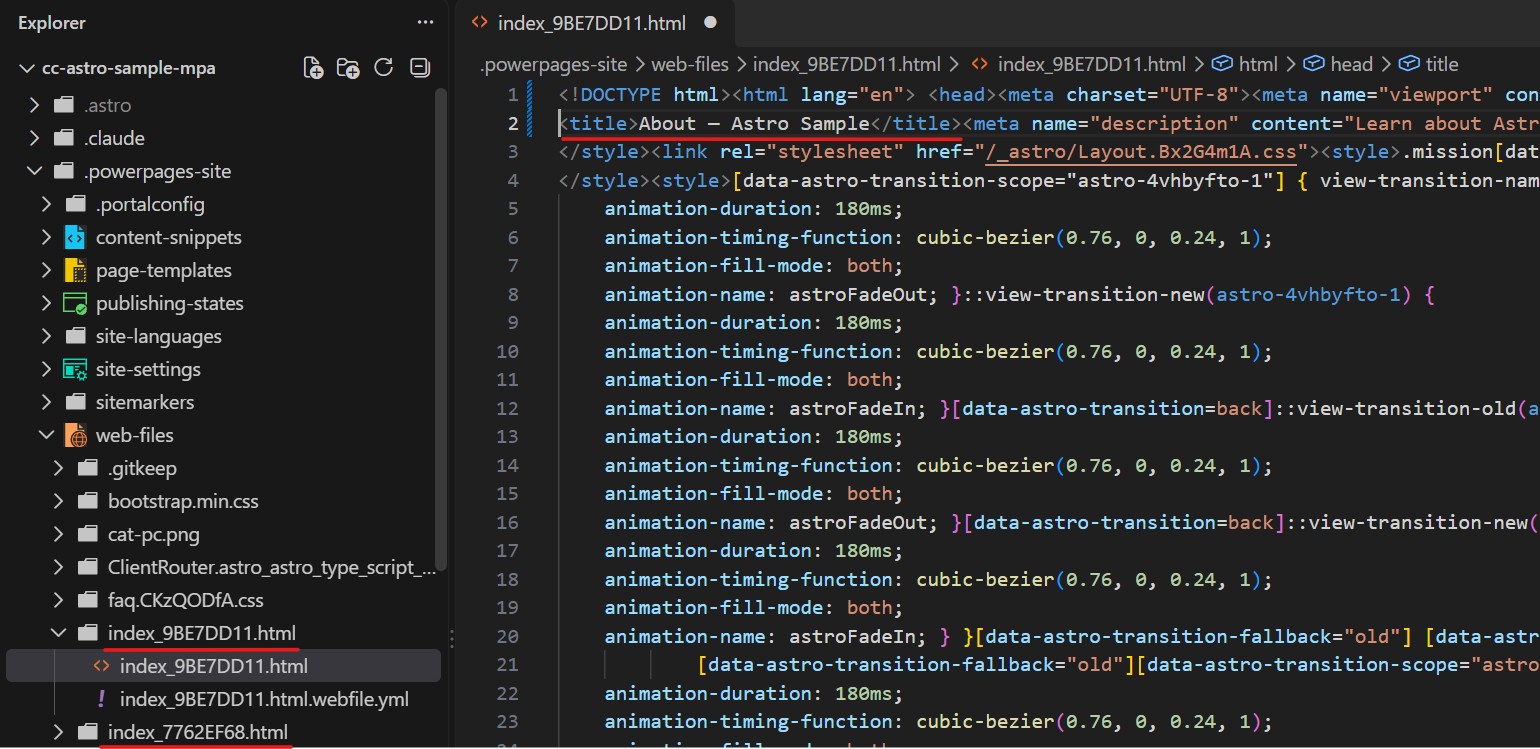
This meant that PAC CLI found those pages in the dist folder, understood that it needed to create a new page based on the folder; however, instead of treating the HTML inside the folder as the source for the page, it created it as a child Web File.
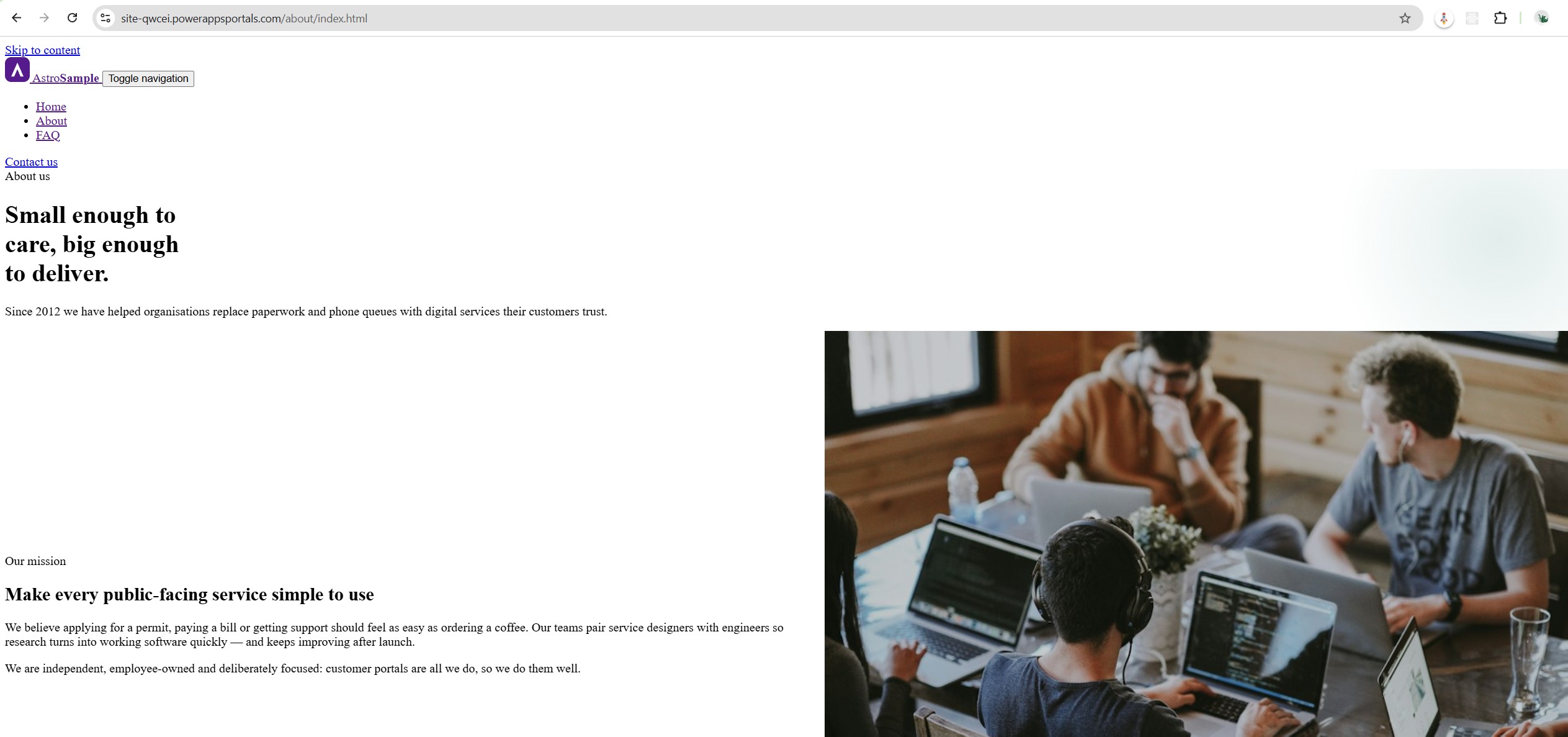
Technically, this means we can open both our About and FAQ pages as web files by going to their URLs directly.
Workaround (not really)
So, now that we know what PAC CLI did and why our pages are empty, can we do something about it?
Unfortunately, no.
We cannot force users to use web file URLs instead of actual pages. While it opens a file that looks like what we built, it runs outside the portal runtime - it won’t have any shared styles, header/footer wrappers or context objects (like signed-in user details) to make it actually functional. (see above)
Updating the Astro config to use direct files in the output instead of directories (ie generating about.html instead of about/index.html) doesn’t help either. PAC CLI just ignores them.
The only “option” is to treat the Astro project as a pure SPA - ie writing a custom router definition and combining everything into one HTML file. That way PAC CLI will pick it up, and we can resolve routes with a bit of JS.
However, this isn’t a real solution. If you do this, the Home page will grow insanely large very quickly as all page content is literally crammed into the initial load. It completely defeats the purpose of using Astro, and it creates a nightmare for accessibility standards.
Deploying directly from sample
Ok, I thought to myself, maybe AI messed up somehow. Let’s start from the source directly.
I copied the Microsoft sample directly (which contains, beyond the Home page, the About page as well), then manually ran the PAC CLI command to upload the code site.
And guess what? Results were exactly the same - the About page was generated as a separate page without any HTML inside, and the actual page was just added to the Web Files.
Conclusion
I just cannot recommend using Astro with Power Pages as it is right now.
Honestly, I don’t know if this is some issue with the recent PAC CLI updates or if Microsoft genuinely missed this one, but Astro just doesn’t work out of the box.
Power Pages Code Sites were always targeting pure SPAs first (React, Angular, Vue). Having only one route page and loading everything else as additional JS files works really well for that architecture.
Astro is different. It is a multi-page setup first. Ironically, this MPA approach would align perfectly with how traditional Power Pages actually work under the hood, making it a great solution for content-driven scenarios like FAQs and knowledge bases.
Unfortunately, until PAC CLI understands how to handle multi-page output, I cannot recommend Astro. I really hope Microsoft addresses this soon.
Credits
Cover image by PixaBay