
Power Apps Portal Helper
Help UKRAINE
 ! Your action matters! Donate
to support Ukrainian Army! Donate to charity funds!
Organize/join street protests in your city to support Ukraine and condemn Russian aggression!
Expose and report Russian disinformation! #StandWithUkraine
! Your action matters! Donate
to support Ukrainian Army! Donate to charity funds!
Organize/join street protests in your city to support Ukraine and condemn Russian aggression!
Expose and report Russian disinformation! #StandWithUkraine A couple of days ago Microsoft updated their Microsoft Power Apps CLI library to allow developer work with Power Apps Portals easily, by allowing to use commands to download and work with data locally in our favourite IDE of choice (see video here). Inspired by Danish Naglekar and his awesome PCF Builder I decided to create something similar, but for Portals - welcome my first VS Code extension Power Apps Portal Helper. Now you don’t need to remember commands and arguments for them to more easily work with CLI. You can download an extension from here or directly from your VS Code. You can find usage examples below.
UPDATE - The name of the extension was updated from Power Apps Portal Helper to Power Pages Helper to reflect changes in Microsoft naming. See this post for the full update.
List of all available commands
| Command | Description |
|---|---|
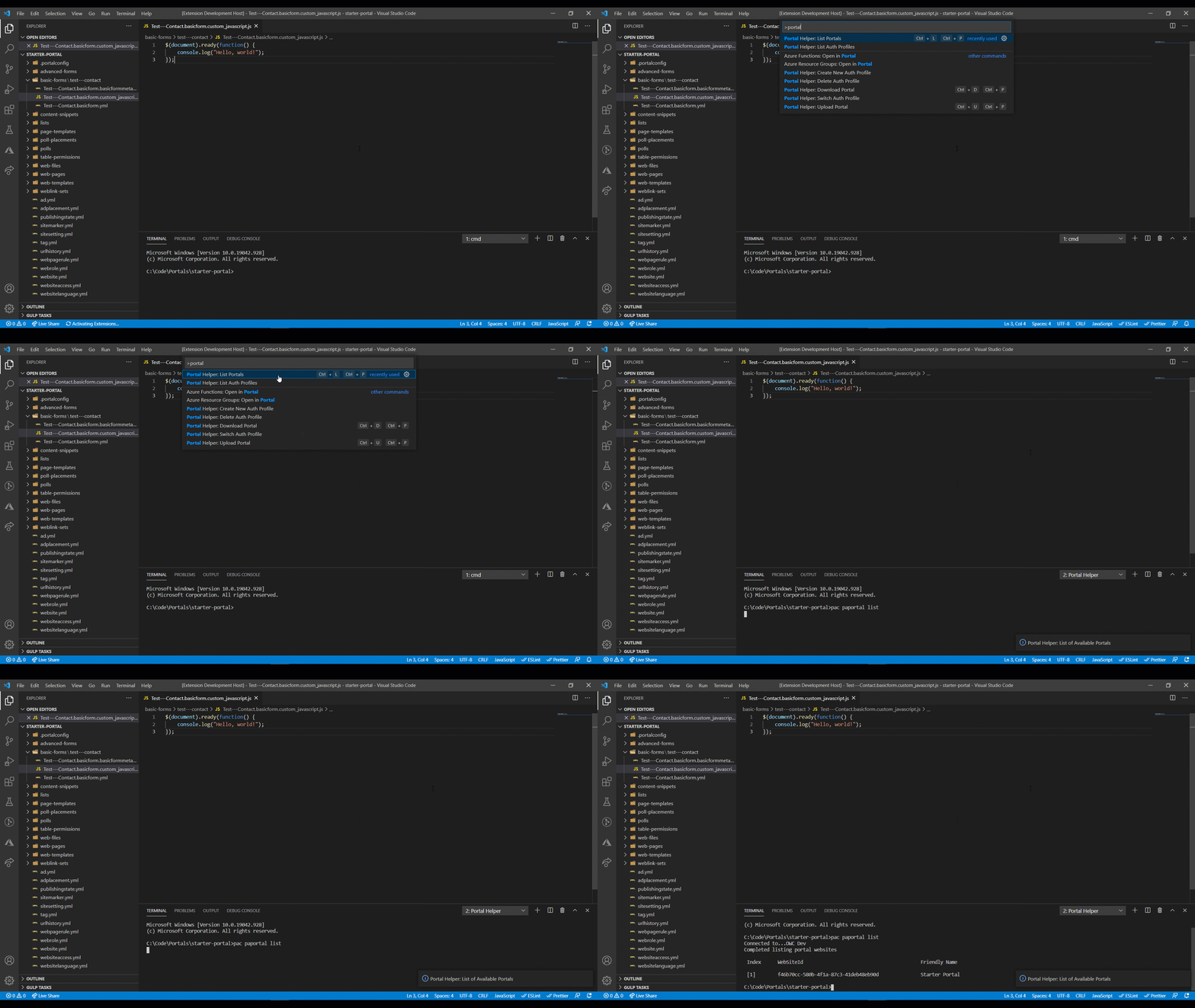
| List Portals | Shows the list of available portals for current Dataverse organization |
| Download Portal | Download portal by id from current Dataverse org to specified local path |
| Upload Portal | Upload portal from local folder to current Dataverse org |
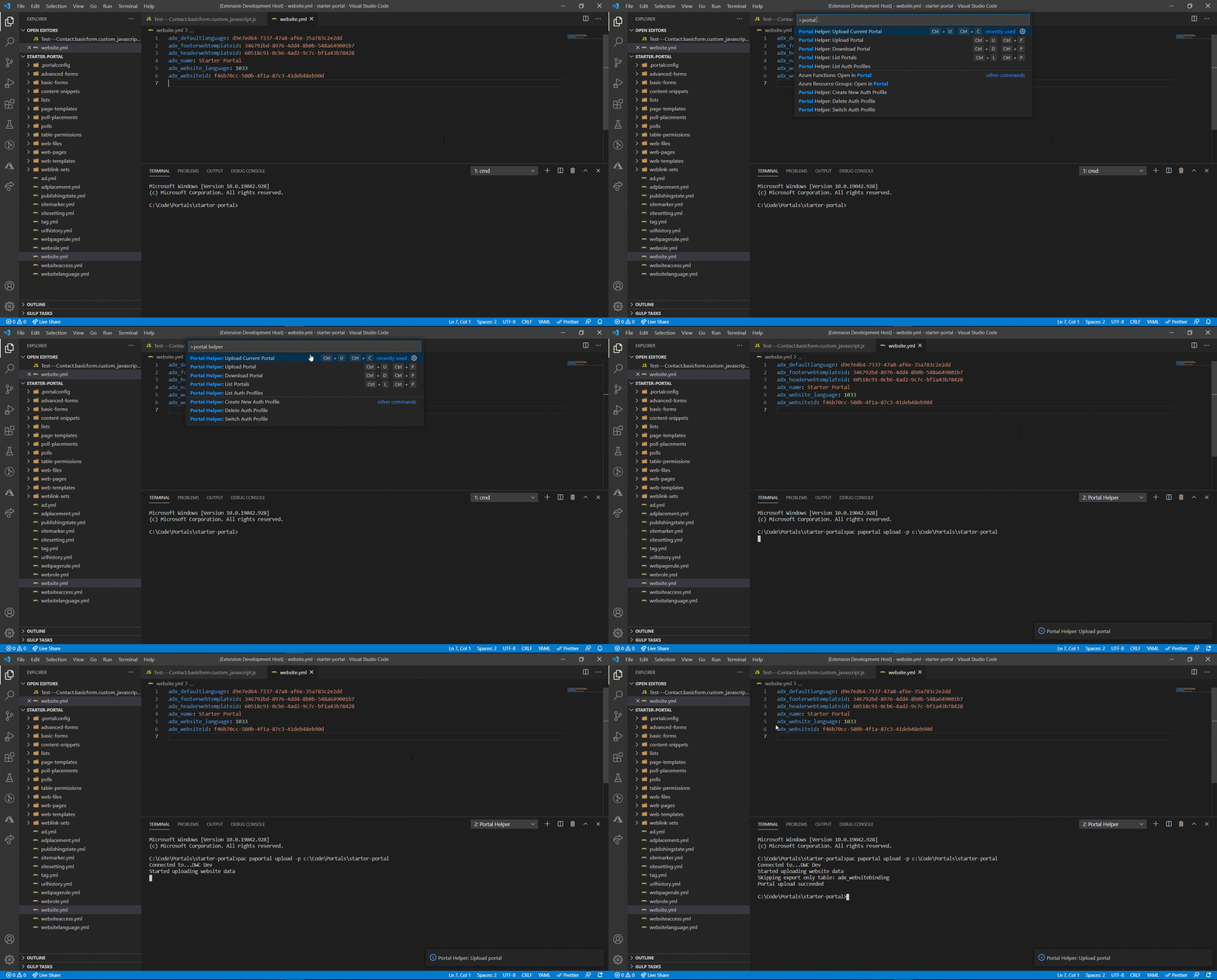
| Upload Current Portal | Upload portal from open workspace folder to current Dataverse org |
| Create New Auth Profile | Creates a new auth profile for specified Dataverse org |
| List Auth Profiles | Shows list of profiles that are authenticated with Dataverse orgs for current machine. |
| Delete Auth Profile | Deletes a specific profile from the current machine |
| Switch Auth Profile | Changes the default profile connected to Dataverse org |
Usage examples
-
List Portals
-
Upload Portal

-
Upload Current Portal
-
Download Portal
